Checkout
Stock ✓PT33 ✓
Understand your requirements, prepare your records, and explore PorThorOS.
Keep store records current, even if you report to DTAM online. We recommend daily updates.
Cannabox MD connects patients with licensed telemedicine practitioners for medical review; PorThorOS then connects the approved PT33 to its batch, checkout, and PT27/PT28 records.
Stock
Medical
Telemedicine with licensed practitioners
The old way
Generic POS separates checkout from prescriptions, stock, and reporting.
NEW WAY
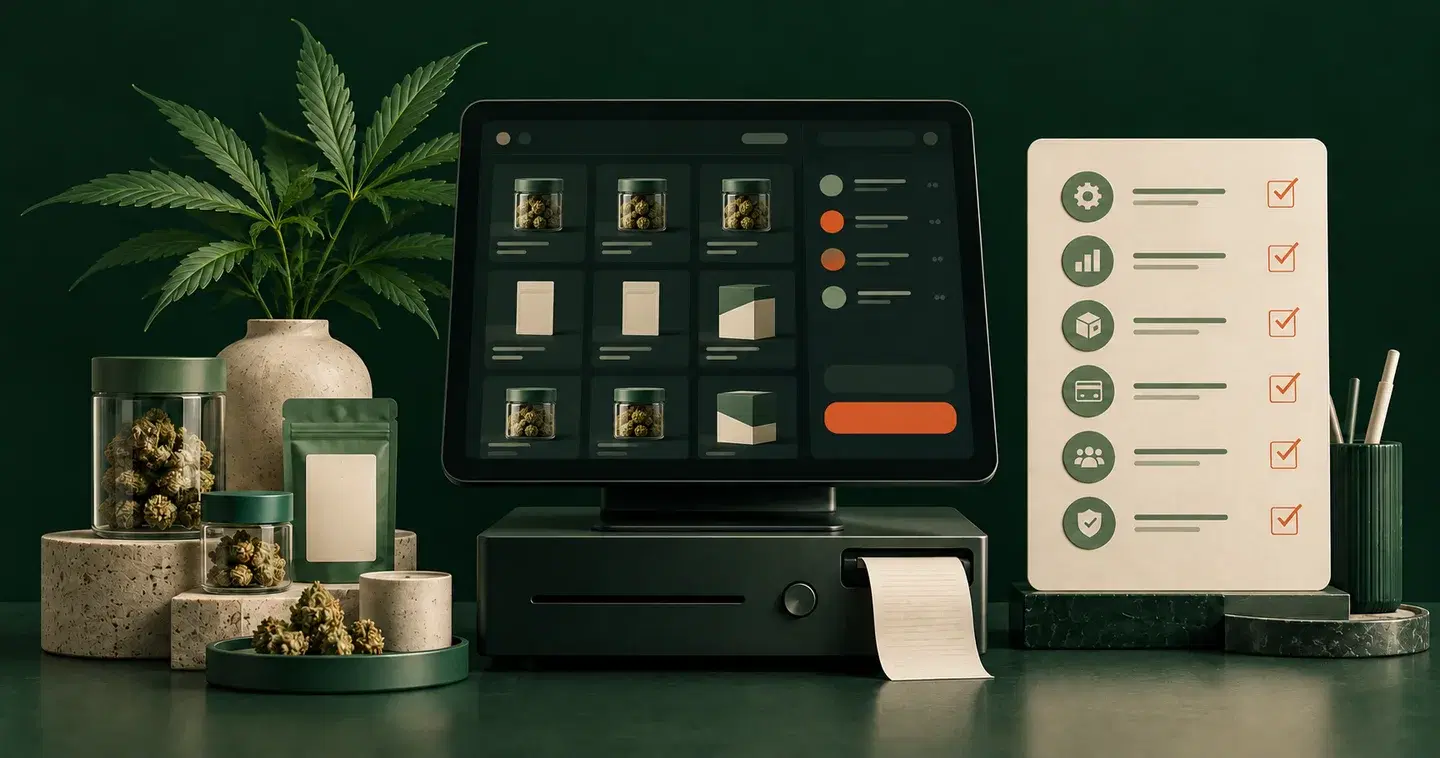
PorThorOS checks the patient, allowance, named batch, price, and payment before the receipt prints.
Track sales, gross profit, refunds, discounts, and busy hours from checkout activity. Each sale stays connected to its shift, payment, and stock batch.
Owners see the whole business. Staff see only the branches and actions their role allows.
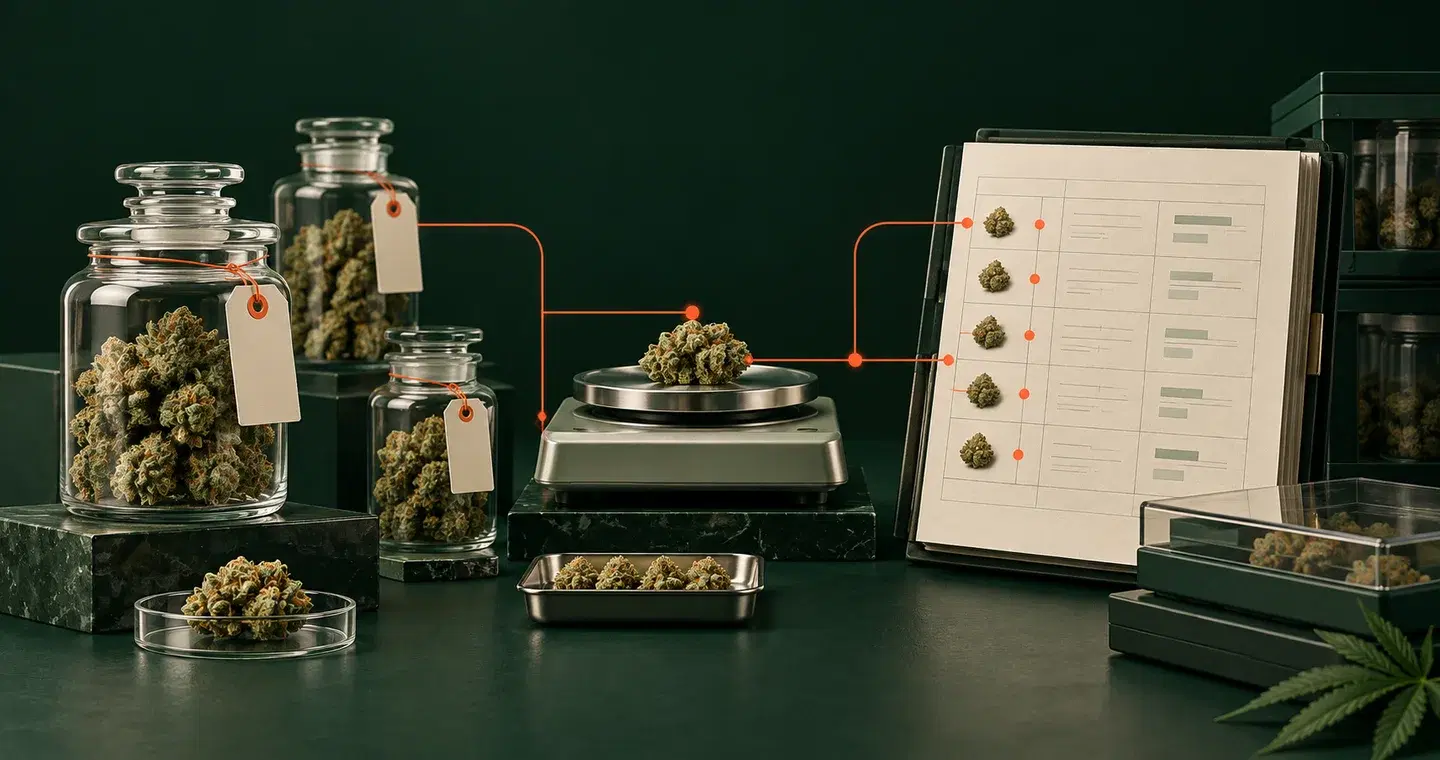
Every branch transfer keeps the source batch, quantity, sender, receiver, and status connected.
Branch transfersCount sessions compare expected and actual stock, then record approved adjustments.
Stock countsCentral pricing profiles keep branch overrides, quantity deals, and tax rules consistent at checkout.
Pricing, deals & taxReconcile cash, Thai QR, sales, refunds, and cash movements before handover.
Shift reconciliationCustom roles scope POS and back-office permissions to the right people, devices, and branches.
Roles & branch accessProtected approval keeps every discount, price override, refund, and reason in the audit trail.
Manager approvalLaunch pricing
Start at ฿299 per branch per month. Tell us about your shop on LINE and we’ll help you get started.
The essentials for your working day
฿299per branch / month
See longer-term trends in your shop
฿799per branch / month
Bring your branches together
฿999per branch / month
Only ฿200 more than Shop
Ask about ProStarter is ฿299, Shop is ฿799, and Pro is ฿999 per branch per month. During launch, all plans include access to current features. Contact us on LINE to confirm your package and setup before you start.
Compare plansYes. The free browser tool lets you enter your records, review the report, and print or save a PDF without a PorThorOS account. Save your PDF before reloading or closing the page: the tool does not save your entries or submit reports to DTAM.
Open the free PT27 / PT28 toolIn the POS, stock receiving and sales feed the PT27/PT28 ledger as your team works. Supplier documents, stock batches, patient records, PT33, and payments stay connected. You can export ledger records for a selected month from Back Office and reconcile them with your source documents.
Read the PT27 / PT28 / PT33 guideYes. You can add an existing PT33 with its reference number, dates, allowance, and attached document, then review its status. PorThorOS records and checks the prescription; it does not issue one. For a new medical review, Cannabox MD connects patients with licensed practitioners.
See how to record an existing PT33Yes. Owners can view sales and stock across branches, transfer stock with its batch history, and manage branch pricing. Staff access is limited to the branches and actions allowed by their role.
Explore branch and staff controlsAsk about a plan or book a demo through LINE. We’ll walk through your receiving, checkout, shift close, and reporting workflow, then confirm the package and setup for your shop.
Follow the getting started guideThe PorThorOS journal
Practical notes on checking suppliers, managing stock and preparing records.





Your workflow, not a canned demo
Walk through stock receiving, one patient sale, shift close, and the resulting reports with your team.
